
YouTube Kids Parental Controls Not Enough? A Whitelist Approach
YouTube Kids filters a library; a whitelist starts empty. Why parental controls fail structurally and how channel-by-channel approval fixes it.
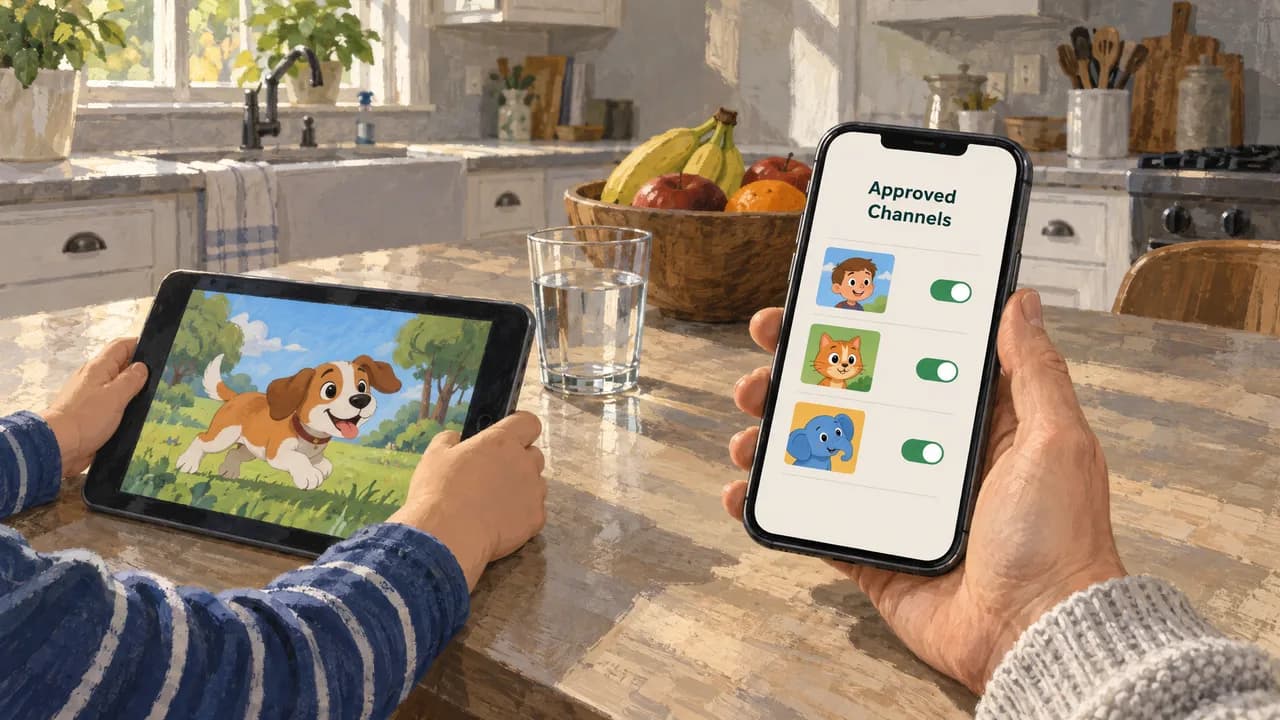
YouTube Kids parental controls are not enough because they filter a library instead of emptying it, and a filter can only hide what it recognizes. A whitelist inverts the default: the player starts with zero content, and a parent adds channels one at a time until the list is worth watching. That single change moves you from reacting to unwanted videos to managing a short list you wrote yourself.
Key points
- YouTube Kids filters a pre-selected library, so it can only hide what its classifiers catch. A whitelist starts empty, so nothing plays until a parent approves it.
- The failure is structural, not a settings problem: you cannot configure your way to a guarantee when unapproved content exists in the pool at all.
- Channel-level approval beats per-video approval because it holds up as kids get older and want whole creators, not hand-picked clips.
- Kivvie removes Shorts and comments for approved channels. Its trade-off is real: no recommendations, so discovery depends entirely on you.
Why filtering keeps failing parents
A filter is a rule about what to hide. That means the library underneath it still exists, and every video in it is a candidate your child might reach if the rule misfires. YouTube Kids draws from a pre-selected pool and applies classifiers on top, so its accuracy is a moving target: a channel that looks fine today can post something odd next week, and the pool itself keeps growing. You are not managing a list. You are managing your confidence in someone else's classifier.
A whitelist-only player shows only approved channels, removing Shorts, comments, and ads. Nothing is hidden because nothing unapproved was ever available. The practical difference shows up the moment a rule fails: with filtering, a failure means an unwanted video plays; with a whitelist, a failure is impossible unless you approved the source.
Age-based ranking research on parental controls in smart TV environments, presented at the 2022 International Conference on Emerging Technologies in Electronics, Computing and Communication (ICETECC 2022), works on the same premise: improve the ranking of what surfaces, and you improve the outcome. It is a real improvement to the filtering model. It is still the filtering model.
Parents describe this as YouTube Kids being too restrictive and not restrictive enough, often in the same week. Both complaints are true and they share a cause. A single slider tries to serve a four-year-old and a ten-year-old at once, so it lands wrong for both. The fix is not a better slider. It is separate lists.
How channel-by-channel approval actually works
The workflow below is what we recommend, and it is the same sequence whether you use our player or another one that supports per-channel approval. What matters is that approval happens at the channel level, not per video.
- 1Create a profile for each child so their approved lists stay separate. A shared list forces the youngest child's ceiling onto the oldest.
- 2Sign in with the Google account you want tied to the parent dashboard. This is what lets the player search YouTube for channels when you are approving content.
- 3Search a channel by name and approve it. Approval is the whole gate; there is no second layer to configure.
- 4Watch one video from each newly approved channel yourself, end to end, before your child does. Channels change owners and formats, and the first video is where you catch it.
- 5Review the list monthly. Removing a channel takes seconds and is the only maintenance the system needs.
A channel with forty good videos and two bad ones is a better approval than a single good video from a channel you have not checked. Channel-level approval keeps the good output available and keeps the decision auditable.
If you want the mechanics in more depth, our guide to building a kids channel whitelist covers how to scan a channel's back catalog before you approve it.
What separates a workable setup from a fragile one
Criteria beat brands here. Five questions decide whether a setup holds up.
Default state
Does the player start empty or start full? A player that starts full is filtering; a player that starts empty is a whitelist. Everything downstream follows from this.
Bypass behavior
What happens when a child reaches a URL directly or reinstalls the app? See how kids bypass YouTube parental controls.
Approval granularity
Per-video approval sounds stricter and ages badly. Per-channel approval is looser and lasts. For a nine-year-old who wants a whole creator's back catalog, only one of these is workable.
Shorts and comments
These are the two surfaces where unvetted content and stranger contact actually live. Confirm they are gone rather than merely reduced.
Multi-child handling
One list per household means one child sets the standard for everyone. Separate profiles are not a nicety; they are the reason the system keeps working past age seven.
For older kids, the honest tension is between whitelist strictness and the fact that a ten-year-old wants discovery. Per-channel approval resolves it better than per-video approval, because it grants a creator rather than a clip. A teen who wants to explore freely will outgrow any of this, and that is a conversation, not a setting.
Common mistakes to avoid
Approving a channel you have not actually watched is the mistake that starts everything else. A channel name, thumbnail, and subscriber count tell you almost nothing about the pacing, the sponsor reads, or the humor in the back half of a ten-minute video. Watch one full video before you approve, and if you would not sit through a second one, do not approve it.
Treating the whitelist as permanent is the next one. Kids grow, creators pivot, and a channel that was cartoon reviews last year may be reaction content now. A monthly pass through the list is the entire maintenance cost, and skipping it is how unwanted content re-enters.
Applying one list to several children forces a compromise that satisfies nobody. A separate profile per child lets the five-year-old keep a narrow list and the ten-year-old keep a wider one, which is the same reason siblings get different bedtimes.
Letting a whitelist replace the conversation is the mistake that ages worst. A list controls access; it does not teach judgment. The child who understands why a channel was removed is the one who will make reasonable choices later, which is the actual outcome you are buying.
About Kivvie
We built Kivvie as a whitelist-only YouTube player. You approve channels, and everything else disappears: no Shorts, no comments, no algorithmic suggestions, no ads inside the player. Because there is no recommendation engine, the content pool is exactly the list you wrote, and nothing else can surface, which is a different guarantee than a strong filter makes.
The parent dashboard is where approval happens, and it runs on the web alongside the iOS and Android apps. Setup takes a few minutes, and signing in with a Google account is required so the dashboard can search YouTube when you approve a channel. Each child gets a profile. Curated channel packs give you a starting list to accept or reject rather than a blank search box.
If your child is under six and mainly needs short, safe videos with a lot of variety, a filtered library may genuinely be the simpler tool, and you should keep it. The whitelist model earns its keep as kids get older and want complete creators, and it fits any household that wants YouTube itself without the noise. See the plans on our pricing page.
How to decide
You are deciding whether to keep tuning a filter or to switch your time to something that cannot misfire. Three signals settle it.
If you have ever found your child watching something you would not have approved, that is a filtering failure, and more tuning will reduce its frequency without eliminating it. If your child has started asking for a specific creator by name rather than for a genre, per-channel approval is now the better tool. If you are managing multiple children with different interests on one setup, the shared list is already working against you.
Once you switch, your weekly effort moves from reacting to reviewing. Approving a channel takes a minute and happens once. Checking the list takes minutes a month. Neither task involves watching for leaks, because there is no leak path to watch.
If none of those signals apply and the current setup has never failed, you have a working arrangement, and quiet tuning is the cheaper move. The whitelist model is not about doing more work. It is about a guarantee that the filtered model cannot make at any setting.
FAQ
Can I make YouTube Kids stricter instead of switching apps?
You can tighten age settings and disable search, and those changes do reduce what surfaces. They do not change the underlying model, where unapproved content still exists in the pool and accuracy depends on classifiers. Stricter settings narrow the pool without emptying it. A whitelist empties it first and adds back only what you approved, which is why the two approaches fail differently rather than failing less.
Is a whitelist the same as just blocking channels in YouTube?
Blocking is reactive and lives inside an app that still recommends everything else. You block a channel after it becomes a problem, and the rest of YouTube's library stays one tap away. A whitelist-only player has no recommendations to fall back on, so the approved list is the entire catalog. Same word, different mechanism, and the difference shows up the first time a recommendation would have appeared.
Do kids actually get around these controls?
Some do. Independent reporting on bypass attempts covers the common routes, from direct URLs to reinstalling apps, and it is worth reading before you assume any setup is airtight. The structural advantage of a whitelist is that bypassing it still lands the child on nothing, because the unapproved content does not exist in the player's catalog in the first place.
What about older kids who want to explore more?
Discovery is the real tension, and per-channel approval handles it better than per-video approval. You grant a creator, not a clip, so a ten-year-old gets a whole back catalog instead of hand-picked videos. The list grows with demonstrated judgment. A teenager who wants open-ended browsing will outgrow any parental setup, and that transition is a conversation about trust rather than a settings change.
Does approving channels mean I have to keep hunting for new ones?
Approval is one-time work per channel, not ongoing maintenance. Curated channel packs give you a starting list, and you accept or reject entries from it rather than searching from nothing. Reviewing the list monthly catches channels that have changed direction. The ongoing cost is minutes per month, and the deciding work is watching one full video before you approve, which is the step most parents skip.
Want YouTube that only shows parent-approved channels?
Kivvie is a whitelist-only YouTube player for iPhone and Android. Parents pick the channels. Kids do not get Shorts, comments, or the open recommendation feed.
See how Kivvie worksWant to try the whitelist approach?
Kivvie takes about 2 minutes to set up. You pick the channels, your kids see nothing else.
Get Started Free